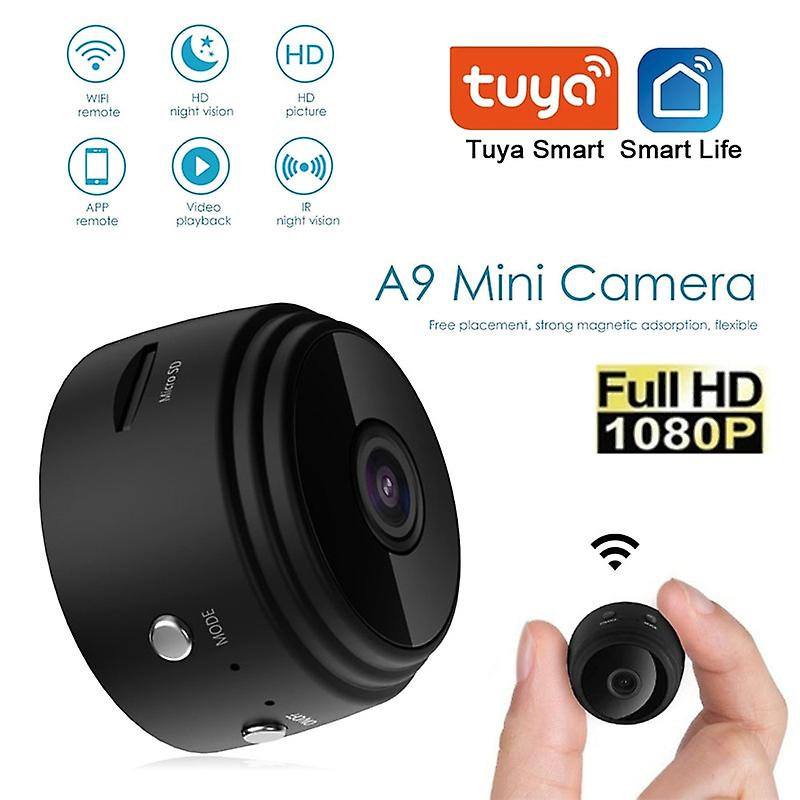
1080P, Android IOS WIFI,maximum 64G expansion (excluding memory card,no memory)
No internet required: (The camera doesn't have a built-in bottery)
1. Charge the camera, turn on the camera (short press can't
turn on,please try long press)
2. Turn on the WiFiof your mobile phone and look for WiFi
3.After connect ing,open the camera in the APP
Network required: please operate according to the manual A9 Wireless Wifi Surveillance Cameras
How To Use:
Press the ON/OFF button about 3 seconds to turn on the camera.
Find and connect the camera wifi hotspot in your phone WLAN setting.Or,scan the camera QR Code and connect your home 2.4GHz wifi in the App Settings-WiFi configuration.
Watch the live video.
If you want to save the video,format the TF card before using it.
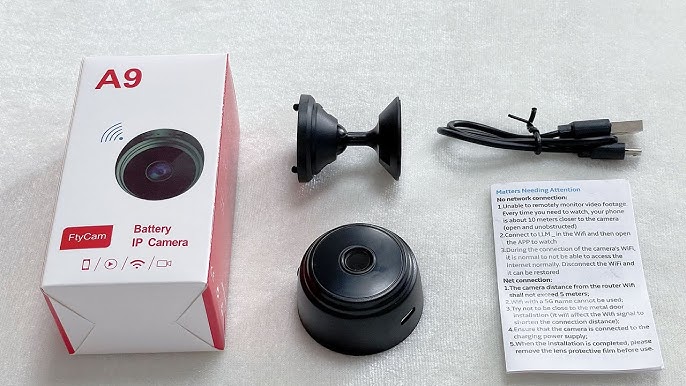
Package Included: l*minicamera
]*charging cable
]*adjustable support l*English manual Note:
The product does not come wit h a memory card,so you need to purchase a memory card separately to use the camera